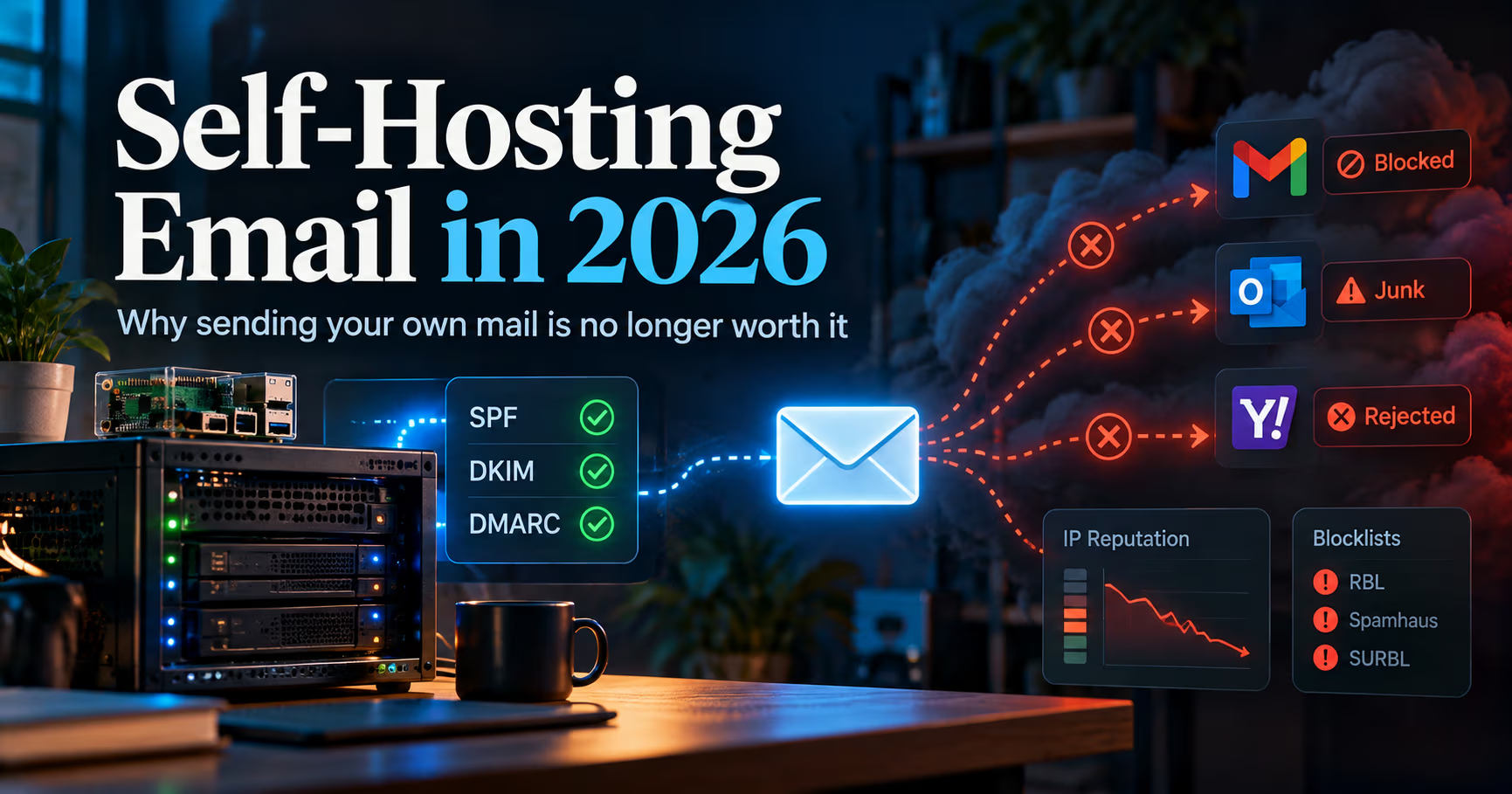
I self-host almost everything. Nextcloud, Jellyfin, Git, the DNS, the monitoring: my homelab has opinions about all of it, and you have seen several posts here where a n100 took a job someone wanted to charge rent for.
Email is the one service where I have a different answer for 2026, and it is not the answer I wanted: for most people, self-hosting your own email for sending is no longer worth the pain. Not impossible. Not forbidden. Just a genuinely bad trade of your time against money, because the thing you are really running is not an MTA, it is an ongoing negotiation with other people's blocklists.
This is the sysadmin read on where the pain comes from in 2026, why the failures are silent, the narrow cases where self-hosting still makes sense, and the middle ground I actually recommend. My short answer up front, so you can skip the war stories: keep your domain, get a mailbox provider or an outbound relay, and spend your self-hosting energy on services where your reputation is all yours.
The short version
- Deliverability is reputation, and reputation is inherited. A fresh VPS IP often arrives pre-blacklisted because a prior tenant sent spam from it. Whole ranges stay flagged long after the spammers moved on.
- The 2024-2026 sender rules raised the floor and raised the punishment. Google and Yahoo requirements have applied to bulk senders since February 2024, Microsoft joined in May 2025 with its own rejection-based enforcement, and Google's sender-guidelines FAQ says Gmail has escalated to temporary and permanent rejections of non-compliant mail since November 2025.
- A mistake no longer means the spam folder. It means the message never arrives. Major providers now issue SMTP-level rejections for mail that fails authentication or crosses a spam-rate threshold, so the old "at worst it lands in junk" safety net is gone.
- The failure modes are silent. Your mail disappears into greylisting, junk folders you cannot see, and listings on blocklists you did not know existed, unless you build monitoring for all of it.
- There are still valid cases. Receiving-only, archival, lab experiments, a personal domain on a dedicated clean IP you are willing to babysit, or compliance-driven setups with a relay doing the outbound. They are narrower than the hobby's folklore suggests.
- The middle ground is the split. Your DNS, your storage, your archive, your interfaces, but outbound mail handed to a provider or relay that manages the reputation. That gets you most of the sovereignty for a fraction of the ops.
- Google email sender guidelines
support.google.com/mail/answer/81126: all senders need SPF or DKIM plus valid forward/reverse DNS, TLS, and RFC 5322; bulk senders (5,000+/day to personal Gmail) add both SPF and DKIM passing, DMARC (min p=none) with alignment, and one-click unsubscribe; spam rate kept below 0.10%, never reaching 0.30% - Yahoo Sender Best Practices
senders.yahooinc.com/best-practices: same structure, enforced since February 2024 - Microsoft Outlook.com bulk sender enforcement
Microsoft support page for NDR 550 5.7.515: high-volume domains (5,000+/day) rejected for failed authentication since May 5, 2025 - Gmail enforcement escalation
Google sender guidelines FAQ (support.google.com/mail/answer/14229414): 'Starting November 2025, Gmail is ramping up its enforcement on non-compliant traffic... including temporary and permanent rejections.' - Cloud port-25 policies
provider documentation re-checked 2026-10-10: AWS throttled by default (request form), Azure open only on EA/MCA-E subscriptions, Google Cloud blocked, DigitalOcean blocked with no published unblock route, Linode case-by-case, Hetzner Cloud blocked with limit request after one month plus first paid invoice, OVH VPS/dedicated open by default (anti-spam can block) but OVH Public Cloud blocked by default
Sender requirement and enforcement claims are checked against the vendors' own pages (Google's sender guidelines and FAQ, Yahoo's sender best practices, Microsoft's support pages) and cloud port-25 policies against provider documentation. Nothing in this post rests on secondary reporting alone.
I will also say what this post is not: a tutorial. Mailcow, Mail-in-a-Box, Stalwart, and their friends are excellent stacks and I would happily deploy any of them. The software has never been the problem. What follows is the part of the problem that no package installs away.
The bars keep rising
Running a mail server in 2015 meant Postfix, Dovecot, some DNS records, and good manners. In 2026, a mail server that wants a fighting chance is expected to have:
- SPF, DKIM, and DMARC, with alignment. The all-sender baseline at Google is SPF or DKIM (at least one of the two) plus valid forward and reverse DNS, TLS, and RFC 5322 formatting, and Google runs those checks on every message it receives. Bulk senders have to add the rest: both SPF and DKIM passing, a published DMARC policy at minimum
p=none, with the From domain aligned to SPF or DKIM. - A spam-complaint rate under 0.1%, never touching 0.3%. Measured by the receiver, not by you: Google's guidance is to keep the spam rate shown in Postmaster Tools below 0.10% and never reach 0.30%; at 0.30% and above you lose access to delivery mitigations until you have stayed under for seven straight days.
- Valid forward and reverse DNS. Your sending IP needs a PTR record that matches, which sounds trivial until you learn which providers even let you set one.
- TLS everywhere, and increasingly MTA-STS. Major providers require TLS in transit, and MTA-STS plus TLS reporting is the modern way to keep them honest about it.
- One-click unsubscribe support once you are a bulk sender, honored within about two days.
None of this is unfair. It is the entire reason inbound spam did not eat the world. But notice the trajectory: Google and Yahoo jointly announced bulk-sender requirements in October 2023, effective February 2024. Microsoft added its equivalent, with 550 5.7.515 rejections, in May 2025, and Gmail escalated to temporary and permanent rejections of non-compliant mail in November 2025; Google's own FAQ says so. The mandate keeps expanding, and Apple, Google, Yahoo, and Microsoft together cover something like nine in ten mail users (Litmus's client market-share data puts the four at close to 90% of opens), so there is no sender-pool to escape into. When one of the four rejects you, they all have good reasons to.
For a personal self-hosted peer, the thresholds never even have to fire formally before you get treated like a probable spammer. That is the next section.
The blacklist tax
Here is the part that eats the time savings, and it is not a one-time cost, it is an ongoing tax. A blocklist hit does not announce itself.
- Your IP arrives with a criminal record. The cheap VPS ranges that hobbyists look for have hosted decades of compromise and spam. Big receivers and the public blocklists (Spamhaus being the name you will actually fight) flag entire netblocks, and cleaning one IP does nothing for the verdict on its neighbors.
- Residential is worse. Most consumer ISPs block outbound port 25 outright, and even when they do not, whole residential ranges are treated as hostile by default. Running real outbound mail from a home connection is a non-starter in 2026.
- Cloud defaults block you before Spamhaus ever does. AWS, Google Cloud, Azure, DigitalOcean, and Linode all restrict outbound port 25 by default. Azure keeps it open essentially only on Enterprise Agreement-style subscriptions, Google Cloud is effectively a no, DigitalOcean documents no unblocking route at all, and Linode decides case by case. Hetzner is the hobby's friendly exception, with paperwork: ports 25 and 465 are blocked by default on its cloud servers, and you can file a limit request once you have been a customer for a month and paid your first invoice. Hetzner reviews those case by case and is not obliged to approve yours. OVH is split down its product lines: VPS and dedicated servers ship with port 25 open (its anti-spam can still block you mid-incident), while Public Cloud instances start blocked. The list of hosts that let you speak SMTP directly keeps shrinking, and that is all before Spamhaus weighs in.
- One popped web app, one listing. A single compromised WordPress install or an open form on your box starts mailing a few thousand messages, and your IP is on Spamhaus before you have finished lunch. Delisting from Spamhaus is usually quick; getting off the smaller, private, and receiver-internal lists can take days of ticket-writing with entities that owe you nothing.
- Lists remember. A domain or IP that has been listed before sits in a smaller bucket for a long time after. The receivers' forgiveness packages have a waiting list.
$ # TEST-NET-2 address, replace with your server's real IP
$ # reverse the octets and ask each blocklist's DNS zone
$ dig +short 23.100.51.198.zen.spamhaus.org
$ dig +short 23.100.51.198.b.barracudacentral.org
$ dig +short 23.100.51.198.bl.spamcop.net
$ # empty answers are good; 127.0.0.x answers mean a listing
$ # MXToolbox (mxtoolbox.com/blacklists.aspx) checks a bundle in one view

$ # your current public IP, as receivers see your mail:
$ dig +short -x 203.0.113.7
The commands above are what I run after any incident and as part of any mail-server onboarding routine: query a handful of DNS blocklists by reversing your IP, and look at what your PTR resolves to. If multiple zones answer, the plan changes from "tune the server" to "negotiate for my life."
The failure is silent
This is the psychological cost nobody warns you about, and it is why I put the monitoring burden ahead of the setup effort in the verdict. On a normal self-hosted service, when something breaks, something tells you. Mail does not work that way.
- Your message to a Gmail user hits a spam filter and gets jettisoned: no bounce, no error, nothing in your logs, because the receiver did not have to tell you.
- A greylisting receiver delays you and a queued message expires somewhere in the middle: soft failure, silent loss.
- You are listed on a blocklist that half the corporate world runs, but that Google does not: Gmail traffic is fine, you look great in your own dashboard, and your bank never gets your reply.
The countermeasure arsenal is real: queue monitoring (mailq patterns and log watching), a DMARC rua address that reports what receivers actually did with your mail, blocklist monitoring against the big zones, Postmaster Tools, whose v2 Compliance Status dashboard is the headline view but only means something once you have the Gmail volume to feed it, and test accounts at the big providers. Set all of that up and a low-volume mail server is genuinely maintainable. But notice what just happened: to make a $6 VPS into a reliable mailbox, you adopted the operational posture of a tiny e-mail service provider. That is the tax priced in time.
When self-hosting email still makes sense
I promised the exceptions, because they exist, and some of them are good. The pattern in every surviving case I know of is that outbound reputation is being handled, or genuinely does not matter:
- Receiving and storage, with a relay or provider doing the sending. You can run your own mail server for inbound, filtering, and archive, and hand outbound to the same or a different service. This keeps your history and your data while dodging the hardest problem.
- A low-volume personal or family domain on a dedicated, clean, long-lived IP. If you already own a steady IPv4 on a friendly provider (or a modest VPS with a static, unlisted history), keep flow tiny and human-shaped, maintain the authentication chain, monitor the blocklists, and it can run for years in quiet contentment. Two honest conditions: accept occasional delisting weekends, and accept that one bad day resets progress.
- Learning. Spinning up Mailcow in a lab, on a throwaway domain, purely to understand DNS records, DKIM rotation, greylisting, and SPF flattening is one of the best networking courses on the internet. Just do not graduate by pointing your real mailbox at it.
- Compliance or data-sovereignty constraints. If regulation or policy genuinely requires the mail store to live under your roof, self-host the store and use a corporate relay for the flows. The sovereignty requirement applies to where data lives, not to who pays for the reputation maintenance.
Notice what is not on that list: "I want to save $5 a month." That was never really a defensible reason, and in 2026 the time-to-money trade is not even close: you pay in evenings of reputation management and get back pocket change.
| Feature | Full self-host | Self-host + outbound relay |
|---|---|---|
| Who owns the data1 | You, entirely | You; providers only see transit |
| Initial setup effort | High: stack, DNS, keys, PTR, TLS, hardening | Lower: sending is delegated, so the reputation work is not yours |
| Ongoing ops burden2 | Constant: blacklists, queue health, deliverability monitoring, updates | Low: the relay absorbs the reputation game |
| Failure mode | Silent non-delivery to receivers you cannot test | Provider-side, generally loud and supported |
| Monthly cost3 | VPS plus your nights | VPS plus relay pricing, or a provider tier |
| Worth it as the default | No, with exceptions above | Yes, if you want self-hosted features with delivered mail |
Who owns the data1
- Full self-host
- You, entirely
- Self-host + outbound relay
- You; providers only see transit
Initial setup effort
- Full self-host
- High: stack, DNS, keys, PTR, TLS, hardening
- Self-host + outbound relay
- Lower: sending is delegated, so the reputation work is not yours
Ongoing ops burden2
- Full self-host
- Constant: blacklists, queue health, deliverability monitoring, updates
- Self-host + outbound relay
- Low: the relay absorbs the reputation game
Failure mode
- Full self-host
- Silent non-delivery to receivers you cannot test
- Self-host + outbound relay
- Provider-side, generally loud and supported
Monthly cost3
- Full self-host
- VPS plus your nights
- Self-host + outbound relay
- VPS plus relay pricing, or a provider tier
Worth it as the default
- Full self-host
- No, with exceptions above
- Self-host + outbound relay
- Yes, if you want self-hosted features with delivered mail
- Same sovereignty logic as our local-first smart home argument
- The only axis where the honest winner is clear
- Provider tiers for a single domain remain cheap at hobby scale
The middle ground I actually recommend
If the itch is sovereignty, in 2026 the best ROI is a split, in this order:
- Own the domain, own the address (`you@yourdomain.tld`). That is the part that survives churn, and the part most of our picks and comparisons live and die by.
- Pick a provider you can leave. Standard IMAP access means your Maildirs can walk. A provider that lets you export everything is a resignation letter you can file without penalty (our sysadmin review of e-mail tooling is one lens on the field).
- If you want a box of your own, run your inbound, filtering, and archiving on your own hardware, with a copy of your provider inbox flowing to it. The storage and rules are yours; the reputation stays the provider's problem. Pair the archive with a real redundancy plan (our look at why the classic 3-2-1 backup rule is not enough for self-hosted infrastructure is the right companion read).
- Decide from data, not folklore. If you truly insist, check your candidate IP against the blocklists and read a provider's port-25 policy before you commit, not after.
The mail stack of 2026 is genuinely excellent: Mailcow, Mail-in-a-Box, Stalwart, iRedMail, all packaged and maintained by people who care. But the thing that decides whether your friends receive your messages is not any of it. It is a number in someone else's reputation database, and you do not get to set it.
The honest limits
- This is one sysadmin's verdict, not a study. There are no trustworthy 2026 numbers for "what fraction of self-hosted mail is delivered," and the hobby's evidence is survivorship-biased anecdotes in both directions. The enforcement claims in here are checked against the vendors' own pages (Google's sender guidelines and FAQ, Yahoo's sender best practices, Microsoft's Outlook sender requirements), not secondary reporting.
- Friendly providers exist, but friendly IP neighborhoods are the scarce resource, and they get scarcer as the bulk-sender mandate cascades.
- Receiving-only changes the risk profile but not the maintenance one: inbound mail means inbound abuse, which is its own blog post (and part of why people run dedicated filtering stacks at all).
- Lockout risk is real on both paths. A provider can terminate you on suspicion; a blocklist can freeze you on evidence. Pick your recurring nightmare.
FAQ
Is self-hosting email still possible in 2026?
Yes, and it is not even hard to install. What is effectively impossible for most people is reaching reliable outbound deliverability from a fresh IP under today's receiver policies. The stack is the easy 20%; reputation is the 80% that never ends.
Can't I just use Hetzner or OVH, the hosts every deliverability guide recommends?
Hetzner is the hobby's default answer, but not because its cloud ships with an open port: ports 25 and 465 are blocked by default on all its cloud servers, and you can file a limit request to unblock them after a month as a customer and a paid first invoice. Approval is case by case, and Hetzner is not obliged to grant it; would-be mail hosters have been turned away and pointed at its web-hosting products instead. Port 587 stays open, which only helps for submitting mail to an external relay. On OVH, VPS and dedicated lines ship with port 25 open until its anti-spam blocks it, while Public Cloud instances start blocked. Either way, an unblocked port only removes the network-level obstacle: the IP-range reputation, the blocklist tax, and the receiver policies are all still yours to inherit and maintain.
What about Mail-in-a-Box? Isn't it supposed to "just work"?
It is an excellent stack, and by far the gentlest introduction to running mail. But its own setup guide warns that residential networks are blocked from sending mail on both the sending and receiving end, that AWS networks are often blocked outright, and that a rented IP may already sit on a spam blocklist; it tells you to check with MXToolbox before you get attached to that address. The bundle installs the software; it cannot install trust in your netblock.
Aren't the spam-rate and authentication rules just for bulk senders?
The formal mandates name the 5,000-per-day tier, and Gmail treats the classification as permanent once you cross it. Below that, Google's baseline still applies to every sender: SPF or DKIM, valid forward and reverse DNS, TLS, RFC 5322 formatting, and a spam rate under 0.3%. What bulk senders must add is both SPF and DKIM passing, a published DMARC record, and one-click unsubscribe. The spam-rate figure Google asks you to actually manage to is below 0.1%, never reaching 0.3%. The trend since 2024 has been enforcement broadening, not narrowing. A regular human mailbox gets filtered at least as suspiciously as a bulk list; you just do not get a dashboard explaining why.
What should I do with my own domain, then?
Keep it, always. Own the address, choose a provider with standard IMAP and honest export, and archive a copy on your own storage if you want the sovereignty. That gets you roughly 90% of what self-hosters actually want at a small fraction of the ongoing pain.
I need outbound mail from a web app or NAS. Self-host that?
For transactional and notification sending, no: use a transactional sending service that authenticates. Your application's cron mail is not a reputation you want to live on, and a device that can send SMTP today can be made to send anyone's tomorrow.
Further reading
- Google's official sender guidelines, including the bulk-sender requirements and enforcement notes: https://support.google.com/mail/answer/81126 (its enforcement FAQ lives at https://support.google.com/mail/answer/14229414)
- Yahoo's sender best practices and requirements as enforced since February 2024: https://senders.yahooinc.com/best-practices/
- The 23-years-and-out self-hosting story that puts words on the oligopoly problem (September 2022, still the best single read on the pain): https://cfenollosa.com/blog/after-self-hosting-my-email-for-twenty-three-years-i-have-thrown-in-the-towel-the-oligopoly-has-won.html
- Spamhaus on why networks should restrict port 25, and how listings work: https://www.spamhaus.org/restrict-port-25/
- Litmus email client market share, the source behind the "nine in ten" line above (Apple, Gmail, Outlook, and Yahoo Mail at close to 90% of opens): https://www.litmus.com/email-client-market-share/
What is your own 2026 verdict, and did any of the exceptions above change your setup's answer? If you have a mail server still routing real mail, tell me what its monitoring looks like and what your worst blocklist weekend cost you. Drop it in the comments.
Until next time, keep your systems thoughtful.
No comments yet