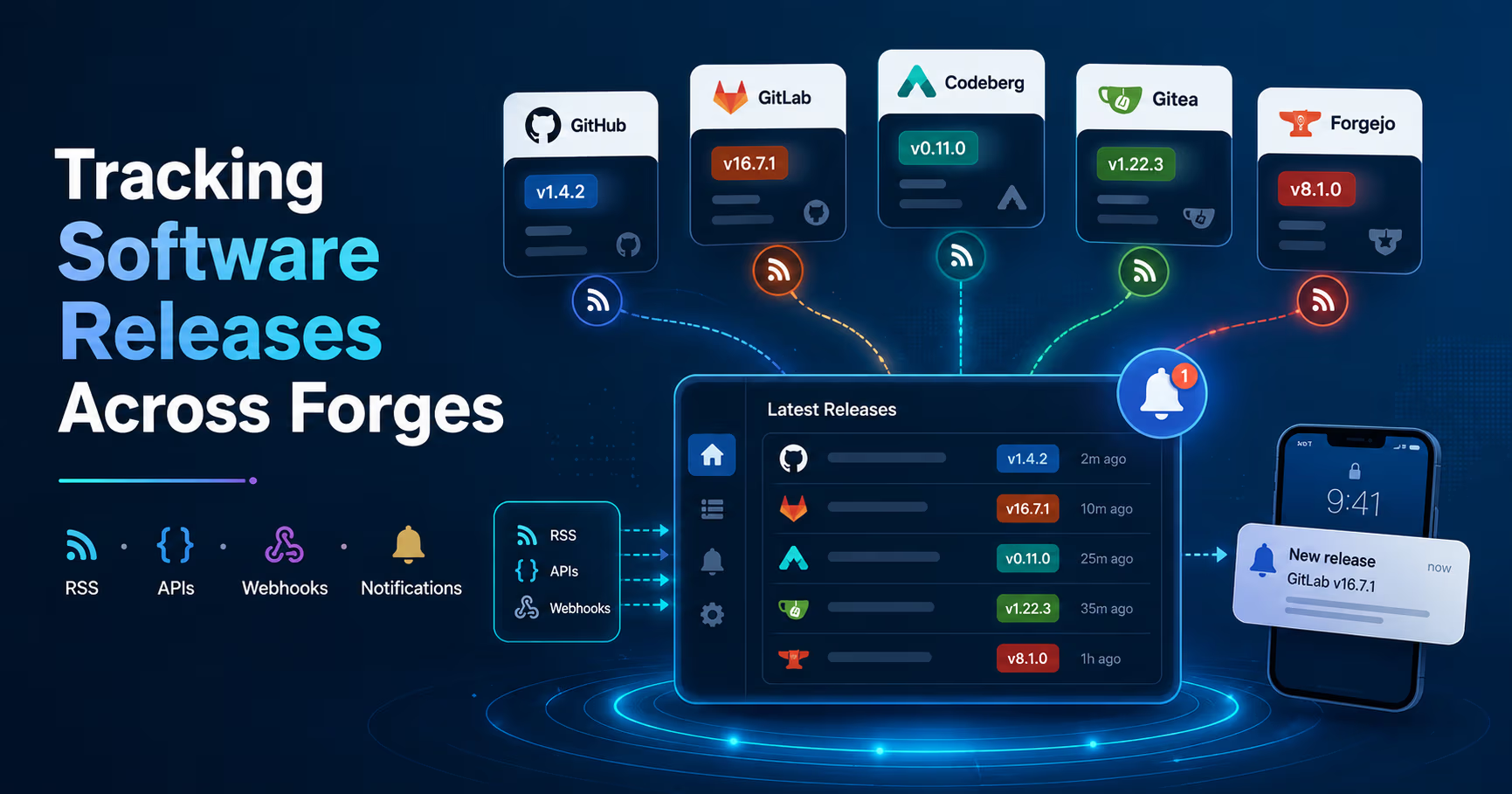
Keeping track of software releases across multiple forges can quickly become overwhelming. If you self-host services or depend on a wide range of upstream projects, staying up to date isn't optional—you need timely notifications to evaluate upgrades, catch breaking changes, and read release notes.
The challenge is simple: projects are scattered across GitHub, GitLab, Codeberg, Forgejo, Gitea, and others. Manually checking each one doesn't scale.
This guide outlines practical, reliable ways to solve that problem.
The Problem
You likely depend on dozens—or even hundreds—of repositories. Each one may publish releases independently, on different platforms, at unpredictable times.
Without a system in place, you end up:
- Missing important updates
- Delaying critical upgrades
- Spending time manually checking repositories
What you need is a centralized, low-friction way to track releases across these sources.
Solution 1: RSS Feeds + Self-Hosted Reader
This is the simplest and most universal approach.
Most forges expose release data via Atom or RSS feeds. By combining these feeds with a self-hosted reader and a mobile client, you get a clean, centralized notification system without writing any code.
Feed URL Patterns
Release Feed URLs
- GitHub:
https://github.com/{owner}/{repo}/releases.atom - GitLab.com:
https://gitlab.com/{owner}/{repo}/-/tags?format=atom - Self-hosted GitLab:
https://your.gitlab.instance/{owner}/{repo}/-/tags?format=atom - Codeberg (Forgejo):
https://codeberg.org/{owner}/{repo}/releases.rss - Gitea instances:
https://your.gitea.instance/{owner}/{repo}/releases.rss - Forgejo instances:
https://your.forgejo.instance/{owner}/{repo}/releases.rss
A note on Gitea/Forgejo: release-specific feeds require relatively recent versions of the software. Older instances may only provide repository-wide feeds, which include commits and issues—useful, but noisier.
Recommended Setup
A minimal and effective stack looks like this:
- Miniflux as your RSS server
- A mobile client with push notification support (Capy Reader for Android is a solid recent project)
Miniflux handles polling, deduplication, and storage. Your mobile app syncs with it and delivers notifications when new releases appear.
Why This Works
- No custom code required
- Works across all major forges
- (Optionally and suggested) fully self-hosted
- Centralized view of all releases
Tradeoffs
- Polling introduces delay (typically 15-60 minutes), which is not a significant issue for this use case
- Some feeds truncate release notes
Alternatives
If Miniflux doesn't fit your setup:
- FreshRSS (more features, PHP-based) is very popular
- Tiny Tiny RSS (mature, extensible)
- Yarr (single binary, minimal)
Solution 2: NewReleases.io (Hosted Service)
If you prefer not to manage infrastructure, a hosted service can handle aggregation and notifications for you.
NewReleases.io is built specifically for tracking releases across platforms and ecosystems.
What It Supports
- GitHub, GitLab, Codeberg, Gitea, Bitbucket
- Package registries (npm, PyPI, Maven, Docker, etc.)
Notification Options
- Slack, Discord, Telegram
- Matrix, Teams, Google Chat
- Custom webhooks
Key Features
- Filter out pre-releases (alpha, beta, RC)
- Regex-based version filtering
- Route notifications per project
- Webhooks with structured payloads
Why It's Useful
You can integrate it with your own notification system (e.g., ntfy or Gotify) via webhooks, effectively combining SaaS tracking with self-hosted delivery.
Tradeoffs
- Relies on a third-party service
- Free tier limitations
- No self-hosted option
Solution 3: Forge-Native Notifications
Every forge includes built-in notification mechanisms. These are often overlooked but effective for smaller setups. Good if almost all projects you’re following are on one or two platforms.
GitHub
You can watch a repository and enable notifications specifically for releases. Combined with the mobile app, this provides near real-time push notifications.
GitLab
Projects allow you to subscribe to release notifications via the notification settings.
Codeberg / Gitea / Forgejo
Watching a repository typically sends notifications for all activity, including releases. There's usually no fine-grained filtering, so expect some noise.
When This Makes Sense
- You track a small number of repositories
- You already rely on a single platform
- You don't need aggregation or filtering
Limitations
- No unified view across platforms
- Limited filtering
- Often email-heavy
Solution 4: API Polling + Push Notifications
When RSS isn't enough—especially if you need filtering or full changelogs—you can query forge APIs directly.
All major platforms expose release data via REST APIs. A small script can periodically check for new releases and trigger notifications.
How It Works
- Run a script on a schedule (cron)
- Query the latest release endpoint
- Compare against stored state
- Send a notification if there's a change
What You Gain
- Full control over filtering (e.g., ignore pre-releases)
- Access to complete release data
- Consistent logic across platforms
Notification Targets
- ntfy
- Gotify
- Apprise (bridges to many services)
- Email, Matrix, PushOver, Telegram, etc.
Tradeoffs
- Requires writing and maintaining code
- API rate limits (especially on GitHub)
- Additional infrastructure to monitor
Solution 5: Webhooks (For Repos You Control)
If you manage the repository or have admin access, webhooks are the most efficient option.
Instead of polling, the forge sends an HTTP request whenever a release is published.
How It Works
- Configure a webhook on the repository
- Subscribe to release events
- Point it to your notification endpoint
Advantages
- Instant notifications
- No polling or rate limits
- No state tracking required
Limitations
- Only works for repositories you control
- Payload formats differ between platforms
- Requires a publicly accessible endpoint
Comparison
- RSS + Reader — Low setup, all forges, 15–60 min latency, self-hosted, best for universal tracking
- NewReleases.io — Very low setup, most platforms, ~30 min latency, not self-hosted, best for zero maintenance
- Forge-native — No setup, per-forge, minutes latency, best for small setups
- API polling — Medium setup, all forges, 5–15 min latency, self-hosted, best for advanced filtering
- Webhooks — Low setup, owned repos, instant, self-hosted, best for real-time events
Recommended Approach
For most setups, start with RSS and a self-hosted reader. It's the fastest way to get a centralized view with minimal effort.
If you need more control—such as filtering versions or including full changelogs—layer in API polling for specific repositories.
For repositories you manage, use webhooks to get instant notifications without polling.
These approaches are not mutually exclusive. Combining them gives you a flexible, reliable release tracking system that scales with your needs.
No comments yet