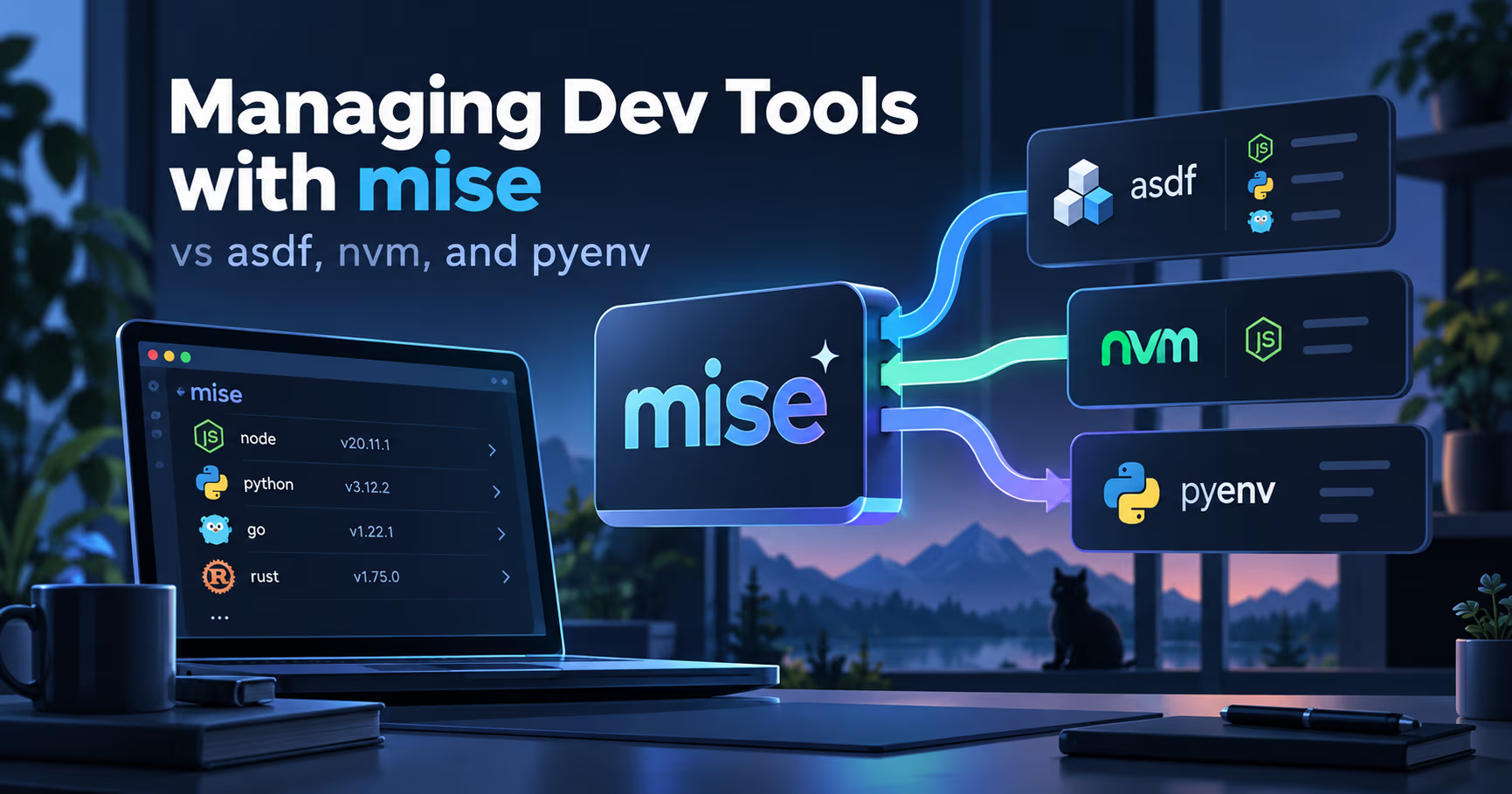
Every dev machine accumulates the same pile of managers: nvm for Node, pyenv or rbenv for Python and Ruby, direnv for env vars, and Homebrew quietly deciding what the rest of the machine runs. Each one works. None of them talk to each other, and every new laptop means re-papering the whole wall.
mise (pronounced "meez", after the cooking term mise en place, everything prepped and in its place) attacks that wall from one direction: a single open source CLI, written in Rust, that installs project tools, loads their environment variables, and runs project tasks, all driven by one committed mise.toml that works in your shell, your editor, and CI.
If you remember one sentence, make it this one: mise is not another version manager, it is the version manager category flattened. Whichever of the classic alternatives you run today, mise keeps their version files as an on-ramp, and it adds the env vars and tasks those tools were never built to hold.
The short version
- One file, three jobs. Tool versions, environment variables, and tasks live together in mise.toml under [tools], [env], and [tasks] headers. The same file works in shells, editors, scripts, and CI.
- Polyglot by design. The registry carries 1,000+ tools, from node, python, ruby, go, and rust to terraform, kubectl, jq, and ripgrep, sourced through backends like GitHub releases, cargo, npm, pypi, aqua, and vfox.
- Your existing files still work. mise reads .tool-versions as it is, and reads .nvmrc and .python-version once you enable the corresponding settings, so you can migrate project by project while teammates stay put.
- One binary, several activation strategies. eval "$(mise activate bash)" for interactive shells (bash, zsh, fish, Nushell, PowerShell, and more), shims for editors that never read your rc files, mise exec for scripts and containers, and an official GitHub Action for CI.
- More than versions. mise.lock records the exact versions your requests resolve to, tasks run through a real dependency graph, and mise bootstrap can set up an entire machine: packages, repositories, dotfiles, and services.
Setup in under a minute
$ curl -fsSL https://mise.run | sh
$ mkdir my-project && cd my-project
$ mise use node@24
mise ~/my-project/mise.toml tools: node@24.x.x
$ mise set NODE_ENV=development
$ mise tasks add hello -- node -p process.env.NODE_ENV
$ mise run hello
[hello] $ node -p process.env.NODE_ENV
development
The sequence that matters most is mise use node@24: one command both records the tool in mise.toml and installs it, so the committed file and the machine stop drifting apart. Be precise about what it records, though: the "24" written into mise.toml is a request for the latest release in the Node 24 series, not an exact version. When everyone needs the same exact build, run mise lock to record the resolved versions and checksums in mise.lock, and commit both files.
How the classics work, and where the seams are
nvm: a shell function with one language to mind
nvm is a POSIX-compliant shell function sourced into every interactive shell, and it has been the default answer to "which Node do I get?" for over a decade. Sourcing at startup is the architectural catch: every new shell pays for the function before it does anything. The README's Deeper Shell Integration section collects cd-hook recipes for exactly that problem, but the README itself notes that the recipes were contributed by users and are not supported by the maintainers, and the lazy-loading story inside the README amounts to a --no-use flag plus a link to a third-party fish wrapper that delays sourcing. The starker limits are scope and shell range: Node only, no tasks, no env vars, no other languages, and no fish support at all (the README points fish users at alternatives it does not develop or support). Non-interactive shells take wiring, too; the README's Docker recipe works by pointing BASH_ENV at a file that sources nvm, because containers never read your profile.
pyenv and rbenv: shims, one language at a time
pyenv manages Python versions through shims, a directory of tiny shell scripts that steer every python call to whatever your .python-version asks for, and rbenv does the same job for Ruby with .ruby-version files. The pattern is proven, editor friendly, and battle tested. The limits are also clear: each manager speaks exactly one language, and env vars or task running need separate tools or your Makefile.
asdf: the general-purpose ancestor
asdf generalized the shim approach to everything, at the price of a git plugin per tool. Its recent history matters here: asdf 0.16 rewrote the project in Go and replaced the classic asdf local and asdf global with asdf set. mise's migration guide documents the equivalences: asdf install nodejs 24.0.0 becomes mise install node@24.0.0, asdf current becomes mise ls --current, and reshim survives in both. The seams are also documented ones: plugin upkeep, shim rebuilds, and no native Windows support, because asdf plugins are shell scripts that need a Unix environment (WSL works fine).
direnv: the complementary one
direnv never manages versions, and that is exactly why it became the companion to all of the above: it loads a .envrc per directory and unloads it when you leave. mise absorbed the pattern rather than competing with it: [env] in mise.toml, directory hooks, and dedicated migration documentation from direnv. If you loved direnv but hated maintaining nvm next to it, this is the merge you were waiting for.
Homebrew: one machine, one version of everything
Homebrew installs system packages and some runtimes, but each formula carries a single globally installed version. Versioned formulae such as node@22 and python@3.12 do exist for popular runtimes, so keeping an older major release alongside the current one is possible; each of those is still one global copy shared by every project on the machine, with no per-project pinning, and an upgrade still moves every project at once. It remains the right tool for non-versioned packages; it is simply not the tool for per-project toolchains.
The landscape in one table
Tool | Scope | Mechanism | The ceiling |
|---|---|---|---|
| Node.js versions | POSIX shell function sourced at startup | Node only; no env vars, tasks, or fish support |
| Python versions | Shims plus .python-version | Python only; virtualenvs are your job |
| Ruby versions | Shims plus .ruby-version | Ruby only |
| Many tools via plugins | One git plugin per tool, shims, .tool-versions | Plugin upkeep and reshim; no native Windows support |
| Env vars per directory | Directory hooks that load and unload .envrc | No version management at all |
| System packages and some runtimes | Global install, one version per formula per machine (versioned formulae like node@22 exist) | No per-project pins; upgrades move every project at once |
| 1,000+ tools, env vars, tasks, machine setup | Rust binary: activation, shims, or exec, all from mise.toml | Younger project; verify current docs before scripting against it |
Day to day, side by side
| Feature | The classic stack | With mise |
|---|---|---|
| Version files | One file per tool: .nvmrc, .python-version, .tool-versions scattered across projects | mise.toml declares every tool in one place, and still reads the old files |
| Environment variables | direnv hooks, shell rc entries, and one .env per tool | [env] in the same mise.toml, loaded on cd and restored on exit |
| Tasks | Makefiles, package.json scripts, and shell scripts, separate from version files | [tasks] in mise.toml with dependencies and parallel execution |
| Editors and scripts | Shell shims and rc files that non-interactive shells skip, so editors need manual setup | Dedicated shims, mise exec for scripts, and per-language editor documentation |
| CI | Each workflow installs its language manager separately | The same mise.toml, committed, plus an official GitHub Action |
| New machine | Hand-rolled dotfiles plus each manager's own installer | mise bootstrap for packages, repositories, dotfiles, and services |
Version files
- The classic stack
- One file per tool: .nvmrc, .python-version, .tool-versions scattered across projects
- With mise
- mise.toml declares every tool in one place, and still reads the old files
Environment variables
- The classic stack
- direnv hooks, shell rc entries, and one .env per tool
- With mise
- [env] in the same mise.toml, loaded on cd and restored on exit
Tasks
- The classic stack
- Makefiles, package.json scripts, and shell scripts, separate from version files
- With mise
- [tasks] in mise.toml with dependencies and parallel execution
Editors and scripts
- The classic stack
- Shell shims and rc files that non-interactive shells skip, so editors need manual setup
- With mise
- Dedicated shims, mise exec for scripts, and per-language editor documentation
CI
- The classic stack
- Each workflow installs its language manager separately
- With mise
- The same mise.toml, committed, plus an official GitHub Action
New machine
- The classic stack
- Hand-rolled dotfiles plus each manager's own installer
- With mise
- mise bootstrap for packages, repositories, dotfiles, and services
Beyond version pinning
The parts of mise the classics simply do not have are worth spelling out, because together they turn mise from a version manager into a whole project toolchain: the Makefile, the .env loader, and the new-machine script collapse into one CLI.
- Environments. mise.toml [env] sections, .env files, and secret integrations load when you enter a project and unload when you leave, so API and dashboard subprojects can carry different variables side by side.
- Tasks. [tasks] blocks define build, test, and lint commands next to the tools and env vars they depend on, with dependencies, parallel runs, and caching.
- Daemons (experimental). Background services are not a task feature. They live in a separate [daemons] section of mise.toml with their own mise daemons commands, and the pitchfork supervisor runs the processes and their readiness checks; a task can name daemons to start them before it runs. The docs label the whole feature experimental: it needs experimental = true and can change in any release.
- Lockfile. mise.lock records the exact versions your mise.toml requests resolve to, and mise install --locked makes CI installs reproducible instead of a fresh roll of the dice; the official GitHub Action adds --locked automatically when the repo has a mise.lock. Two gaps matter for migration: tools listed only in .tool-versions are never written to mise.lock and --locked does not check them, and entries for tools built from source or installed by plugins record less (sometimes no URL or checksum), so verify locked installs on every platform your team runs.
- Bootstrap. Beyond projects, mise bootstrap can apply a machine definition: apt, brew, or winget packages, project repositories, managed dotfiles with rollback, macOS defaults, and systemd or LaunchAgent services.
The honest limits
- No benchmarks in this post. Everything above about speed is architectural (one Rust binary, activation and shims) or quoted from mise's own documentation, not measured. If startup speed is your deciding factor, run your own stopwatch comparison on your shell, because results depend heavily on how many versions and aliases you carry.
- Younger than the classics. nvm, pyenv, and asdf have longer production records and larger plugin ecosystems. mise ships releases several times a week, which is great for fixes and worth changelog discipline.
- Snapshot, not a contract. Features described here were checked against the mise documentation at v2026.10.22 on 2026-10-27, then re-verified against v2026.10.23 on 2026-10-29. Registry backends, activation shells, and bootstrap are an evolving area; verify against current docs before you script against them.
- mise docs
v2026.10.23 - nvm
v0.40.8 - asdf
0.16 (migration docs)
Commands and compatibility claims quoted against the mise documentation and project READMEs; first checked at v2026.10.22 on 2026-10-27, re-verified at v2026.10.23 on 2026-10-29.
FAQ
Can mise read my existing .nvmrc, .python-version, or .tool-versions?
.tool-versions yes, natively, as soon as mise sees it in a project. .nvmrc and .python-version are also supported once you enable the corresponding settings, so a mixed team can migrate project by project while others stay on their current manager. One lockfile caveat: tools that live only in .tool-versions are not written to mise.lock, and --locked does not check them, so move a tool into mise.toml before you rely on mise.lock covering it.
Do I have to uninstall nvm or asdf first?
No, and you often should not: migrate one project, verify with mise doctor and a real tool call, and keep the shared files alive while teammates follow. mise can even update a shared .tool-versions with mise use --path .tool-versions --pin node@24 so asdf users keep working; the --pin flag is what writes the exact resolved version, since a plain mise use node@24 only records the series request "24". Just never let the two managers share one install directory.
Is mise really faster than nvm and asdf?
The architecture (a single Rust binary replacing sourced shell functions and per-tool git plugins) is designed for speed, and mise's own docs make performance claims. This post does not measure anything, so treat the speed argument as something to check on your own machine rather than take on faith.
Does mise work on Windows?
Yes. The project lists macOS, Linux, and Windows support, and on Windows you install via winget (jdx.mise) among other methods. That is a practical difference from asdf, which has no native Windows support: its plugins are shell scripts that need a Unix environment, so on Windows you run it through WSL.
Is mise only a version manager?
Not anymore. Version management is the door, but the modern pitch is mise en place for projects: tools, environment variables, and tasks from one committed file, plus machine setup via bootstrap.
Further reading
- mise documentation: https://mise.jdx.dev/
- Tool registry and backends: https://mise.jdx.dev/dev-tools/
- Migrating from asdf: https://mise.jdx.dev/dev-tools/comparison-to-asdf.html
- nvm project: https://github.com/nvm-sh/nvm
- asdf project: https://github.com/asdf-vm/asdf
If you run mise next to nvm, pyenv, or asdf in 2026, tell me how the coexistence went, especially around editors and CI. Drop it in the comments.
Until next time, keep your systems thoughtful.
No comments yet